Key Takeaways
- Email automation saves time, boosts efficiency, and enables scalable communication.
- Personalization and segmentation are keys to effective automation.
- Start with simple workflows and expand as you see results.
- Monitor metrics and optimize regularly for best outcomes.
- Email automation is accessible and valuable for businesses of any size.
Join 473+ Founders & Marketing Leaders for tips, strategies, and resources to scale your business.
What is Email Automation?
The Core Concept
Email automation refers to the use of software platforms to automatically send emails based on triggers, schedules, or user behaviors. It eliminates the need for repetitive manual sending, allowing marketing and communications teams to focus on strategy and creativity.
How Email Automation Works
When a user takes a specific action—such as signing up for a newsletter, abandoning a cart, or reaching a milestone—email automation tools can instantly send a relevant message. These automated workflows can range from simple single-email responses to complex multi-step nurture sequences.
Did you know? Modern email automation platforms can segment audiences and personalize content at scale, delivering thousands of unique messages simultaneously.
Common Use Cases
- Welcome emails for new subscribers
- Cart abandonment reminders
- Product recommendations
- Re-engagement campaigns for inactive users
- Event confirmations and follow-ups
Pro Tip
Start with one or two high-impact automated journeys before expanding to more complex workflows.
Benefits of Email Automation
Increased Efficiency
Automation frees up time for your team by handling repetitive tasks. Routine communications, like onboarding or follow-up emails, get delivered automatically—no manual effort required.
Enhanced Personalization
Automated emails can dynamically adjust content based on user data and behavior. Personalized messages are more likely to engage recipients and prompt action.
“Personalization drives results: Automated, tailored emails have a much higher open and click-through rate than generic blasts.”
Consistency and Timeliness
With automation, your audience receives the right message at the right time—every time. This consistency strengthens brand trust and keeps your business top-of-mind.
Scalability
Whether you have 100 or 100,000 subscribers, automation scales your communication without extra workload. It’s an essential tool for fast-growing businesses.
Pro Tip
Use A/B testing within automated workflows to continually optimize your messaging and increase conversions.
Setting Up Email Automation: Essential Steps
Choosing the Right Platform
Select a platform that fits your business needs—consider features like segmentation, drag-and-drop workflow builders, analytics, and integrations with your CRM.
Mapping Customer Journeys
Visualize the key touchpoints where automated emails can add value. Map out onboarding, nurture, re-engagement, and transactional journeys for your audience.
“Great automation begins with a deep understanding of your customer’s journey.”
Designing Automation Workflows
Design workflows that trigger emails based on events, dates, or behaviors. Keep them simple at first; complexity can be added as you analyze performance.
Crafting Effective Messages
Write compelling subject lines and body copy. Personalization and clear calls-to-action are vital for maximizing engagement.
Pro Tip
Regularly review your workflows for outdated content or logic errors. Automation is only effective when it’s up-to-date.
Best Practices for Successful Email Automation
Maintain List Hygiene
Regularly clean your email lists by removing inactive or bounced addresses. This improves deliverability and maintains sender reputation.
Segment Your Audience
Group subscribers by demographics, behavior, or interests. Segmentation ensures each recipient receives the most relevant content.
Did you know?
Segmented automated campaigns can drive up to 760% more revenue than non-segmented ones.
Monitor Performance Metrics
Track open rates, click-throughs, conversions, and unsubscribe rates. Use these insights to refine your automation strategies.
Test and Optimize
Experiment with subject lines, content, timing, and frequency. Consistent testing leads to continuous improvement.
Pro Tip
Comply with privacy regulations (like GDPR or CAN-SPAM) by always including an easy opt-out and honoring unsubscribe requests promptly.
Overcoming Challenges in Email Automation
Avoiding Over-Automation
Too many automated emails can overwhelm your audience. Find the right balance to maintain engagement without causing fatigue.
Ensuring Deliverability
Use reputable platforms, authenticate your domain, and avoid spammy content. Maintaining a good sender reputation is essential.
“Successful automation is invisible—recipients should feel like every email was crafted just for them.”
Measuring ROI
Set clear goals and track how automated campaigns contribute to business objectives. Measure metrics like revenue per email and customer lifetime value.
Keeping Content Fresh
Regularly update your automated emails so content remains relevant and effective.
Pro Tip
Schedule periodic audits of all your automated campaigns to identify gaps or optimization opportunities.

Frequently Asked Questions (FAQ)
What types of emails can I automate?
You can automate welcome messages, transactional emails, reminders, promotional offers, feedback requests, and more.
How do I personalize automated emails?
Use subscriber data such as name, purchase history, and behavior to tailor subject lines, content, and calls-to-action.
Will automation make my emails feel less personal?
Not if you use personalization and segmentation thoughtfully. Automation can actually make your emails more relevant to each recipient.
How often should I update my automation workflows?
Review them quarterly or whenever your business or customer needs change.
Is email automation only for large businesses?
No—businesses of all sizes can benefit from automation. Many tools are affordable and scalable for startups and small teams.
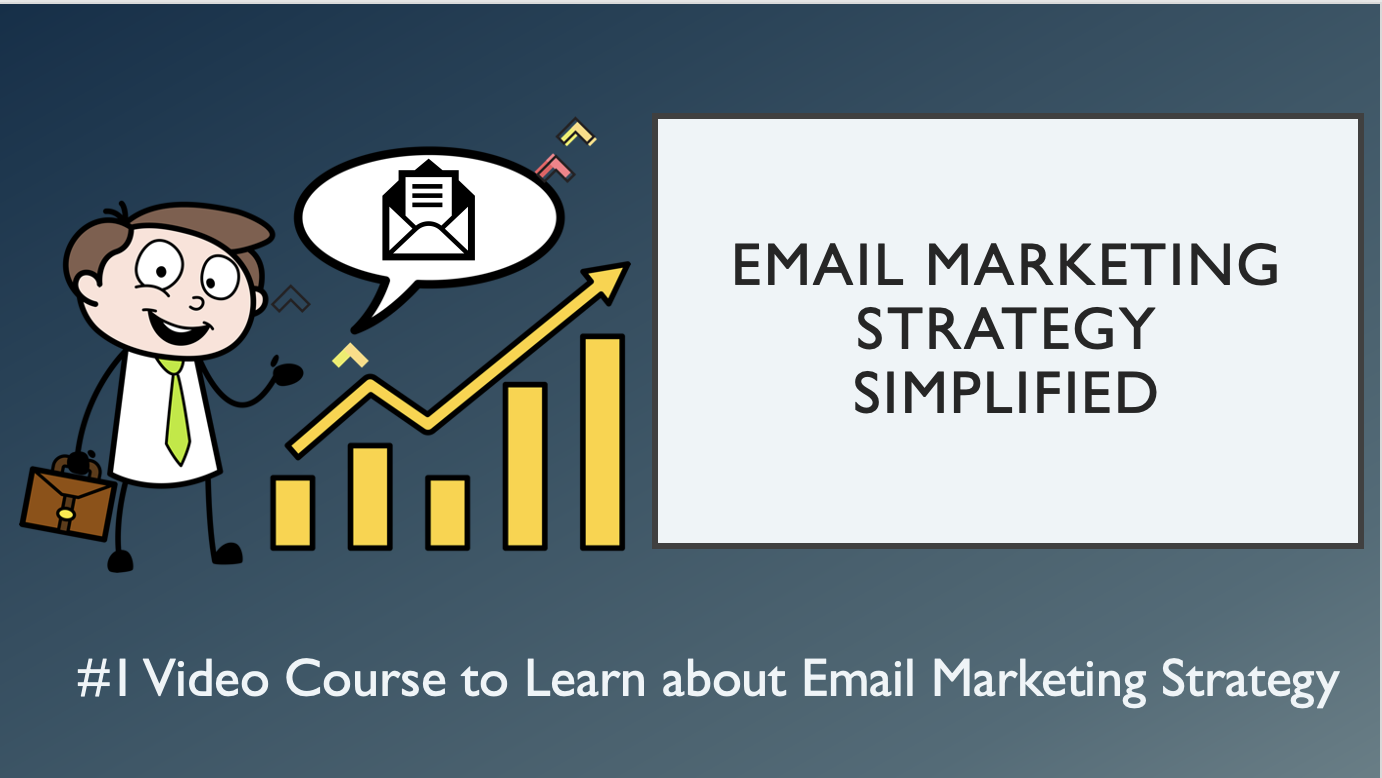
You may also like the below Video Course
Conclusion: Taking Action with Email Automation
Email automation is a vital asset for founders, marketing heads, and entrepreneurs seeking to scale their impact. Start by identifying key opportunities for automation in your customer journey, select the right tools, and prioritize continuous improvement. Every automated email is a chance to nurture relationships and drive growth—so invest in building smart, strategic workflows.
“The best time to implement email automation was yesterday. The second-best time is now.”
Want to Scale your Email Marketing initiatives?
Need a Email Marketing growth partner who can build the same automation, paid acquisition, and retention systems we architect for our marketing automation and growth retainers? We help leaders scale repeatable revenue engines in Email Marketing without adding bloated headcount.
Talk to us about plugging our expert team into your roadmap—no pressure, just a candid conversation about how we can automate, optimize, and grow faster together.
External References
- HubSpot – Email Automation Guide: https://blog.hubspot.com/marketing/email-automation
- Mailchimp – Marketing Automation Resources: https://mailchimp.com/resources/marketing-automation/
- Campaign Monitor – Automated Email Workflows: https://www.campaignmonitor.com/resources/guides/automated-email-workflows/
- ActiveCampaign – Email Automation Explained: https://www.activecampaign.com/learn/guides/email-automation
- Salesforce – Email Automation Best Practices: https://www.salesforce.com/products/marketing-cloud/email-marketing/automation/
- Litmus – Email Automation Testing: https://www.litmus.com/blog/how-to-test-your-email-automation/
- MarketingProfs – Email Marketing Automation Tips: https://www.marketingprofs.com/articles/2022/46867/email-marketing-automation-best-practices